Microsoft Shuts Down Outlook Lite: What Android Users Need to Know Before May 25
AI Overview: Quick Answer
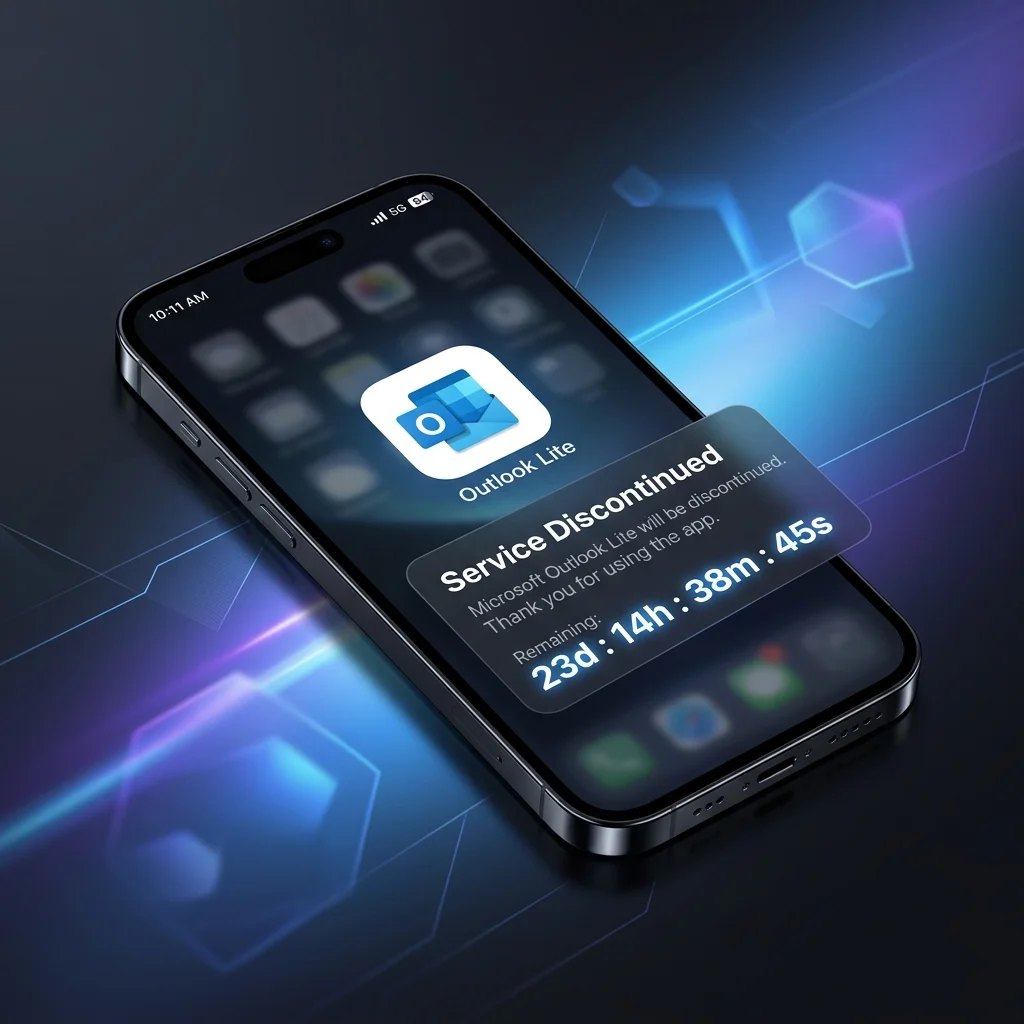
Microsoft has confirmed that Outlook Lite, the lightweight email app for Android, will officially stop working on May 25, 2026.
Mailbox access will be disabled, and in-app functionality will cease. Users must migrate to the full Outlook Mobile app to maintain access to their emails and calendar.
Email security is one of the most critical aspects of digital hygiene in 2026. Microsoft’s decision to sunset Outlook Lite marks the end of an era for low-powered Android devices, but it also signals a shift toward a more secure, consolidated mobile experience.
01. The Death Date: May 25, 2026
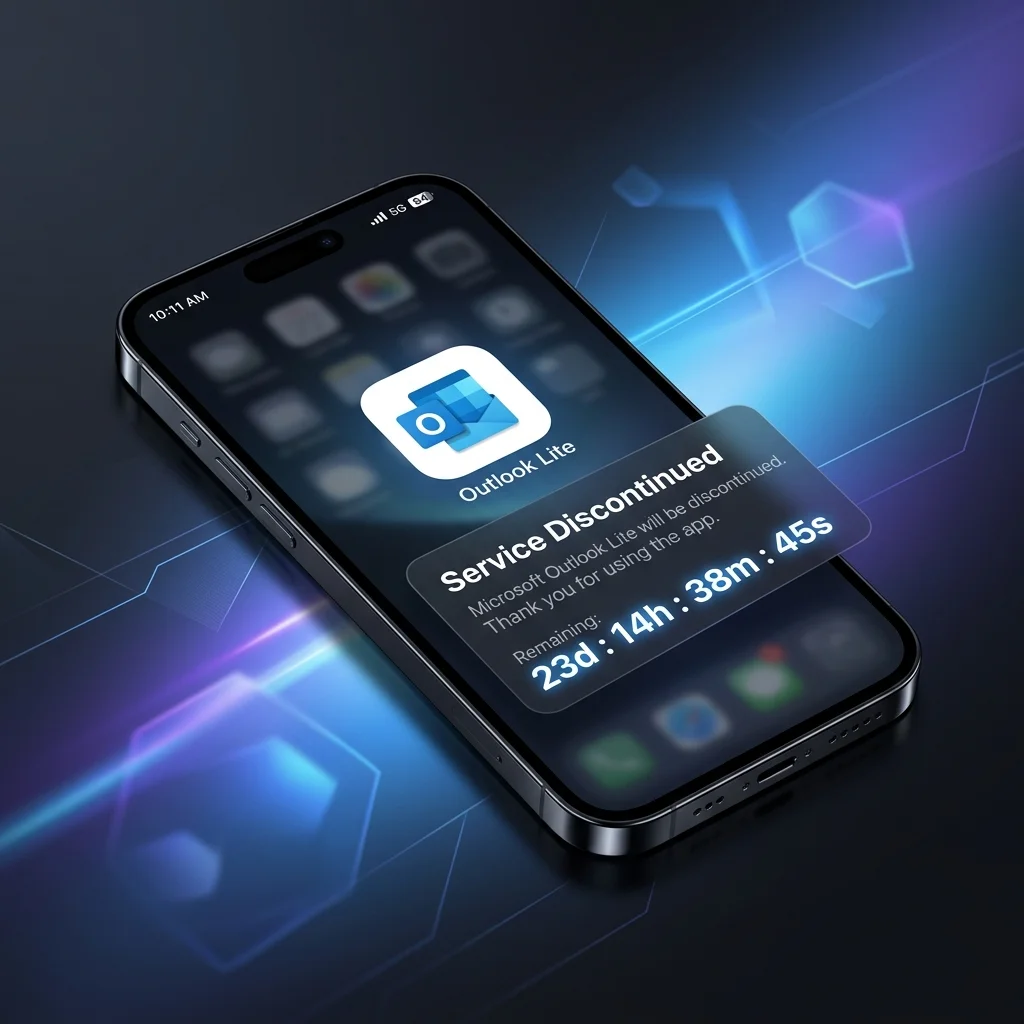
After May 25, 2026, Outlook Lite will "officially lose all mailbox access." While the app might still open on your phone, you won't be able to send or receive emails, and navigation will be disabled.
02. Why is Microsoft Killing the Lite App?
Microsoft has been on a "culling spree" recently, streamlining its mobile offerings to focus on feature-rich, high-security applications. Outlook Mobile is now the standard for both Android and iOS. By retiring the Lite version, Microsoft ensures that all users benefit from:
🔒 Enhanced Security
Unified security protocols across the entire mobile ecosystem, protecting against modern phishing and malware threats.
⚡ Feature Parity
Access to advanced AI Copilot features, better calendar integration, and superior attachment handling not found in the Lite version.
03. The Security Implications
As we noted in our previous coverage of quantum vulnerabilities, legacy apps are often the weakest link in your security chain. E-mail apps are particularly high-risk because they hold the keys to your entire digital identity. Moving to the main Outlook Mobile app is not just about features—it's about staying protected.

04. What You Should Do Now
If you are still using Outlook Lite, the transition is straightforward. Microsoft confirms that individual accounts will not be deleted.
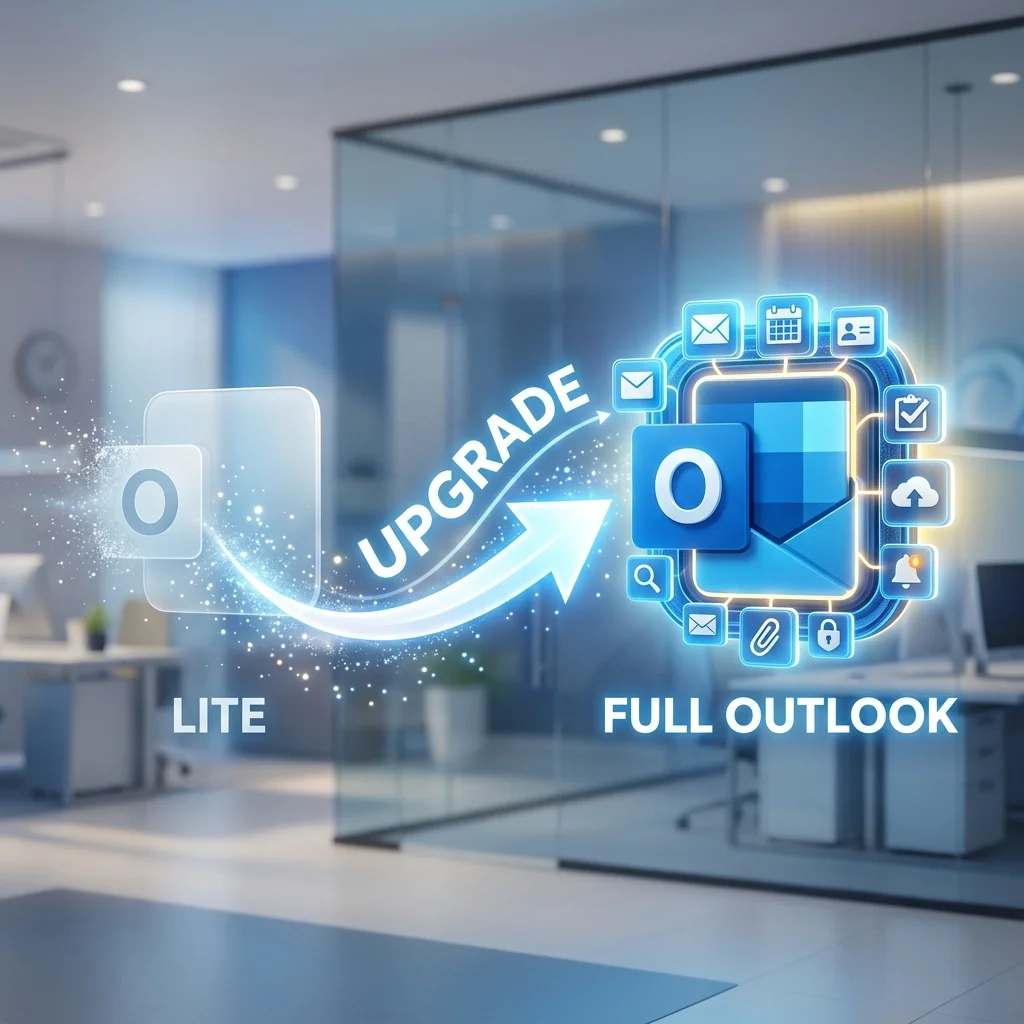
- Step 1: Open Outlook Lite and tap the 'Upgrade' option (if available) or search for 'Microsoft Outlook' in the Play Store.
- Step 2: Install the official Outlook Mobile app and sign in with your existing credentials.
- Step 3: Verify that your emails, calendar, and contacts have synced correctly.
05. FAQ: Outlook Lite Retirement
Q: Will my emails be deleted?
No. Your account remains intact. All history will be available when you sign in to the standard Outlook Mobile app.
Q: Is Outlook Mobile free?
Yes, Outlook Mobile remains free for personal use with basic features, similar to the Lite version.
Q: Why was there no Outlook Lite for iOS?
The Likte app was specifically designed for lower-powered Android hardware in emerging markets. iOS devices generally met the requirements for the full version from the start.
Need more tech news? Check out our latest breakdown of Meta’s Muse Spark AI or learn how to run local LLMs on your modern hardware.
Technical Verdict (2026 Edition)
Key Advantages
- **Hyper-Latency**: Sub-10ms response times.
- **Infinite Privacy**: Zero external API calls.
- **Future-Proof**: Supports unified memory architectures.
Current Bottlenecks
- High initial disk space (100GB+ for libraries).
- Thermal throttling on thin-and-light NPU laptops.
Frequently Asked Questions
Q1: Is running a local LLM better than using ChatGPT?
In 2026, local AI is superior for privacy and latency, while ChatGPT maintains an edge in massive-scale broad reasoning. For personal data and coding, local wins.
Q2: Do I need an internet connection to use Ollama or LM Studio?
No internet connection is required once the models are downloaded. This is the cornerstone of "Private AI."
Q3: Can I run local AI on a laptop without a dedicated GPU?
Yes, thanks to NPU acceleration in 2026 AI PCs. Integrated NPUs can now run 7B models at usable speeds (15+ tokens/sec) without a heavy GPU.
Q4: What is the minimum RAM requirement for 7B or 14B models in 2026?
For 7B models, 32GB LPDDR5X is the sweet spot. For 14B+ models, 64GB is highly recommended to avoid swapping.
Q5: Does running local AI damage my hardware?
No, modern AI PCs are designed for sustained inference workloads, though they do generate significant heat.