Google Maps' Biggest Android Auto Upgrade Is Reaching More Users: Immersive Navigation & Live Speedometer
Google is widening the rollout of two long-awaited Google Maps features for Android Auto users: Immersive Navigation and a built-in live speedometer. After months of limited availability, both features are now reaching stable builds — not just beta testers.
TechVantage Quick Take
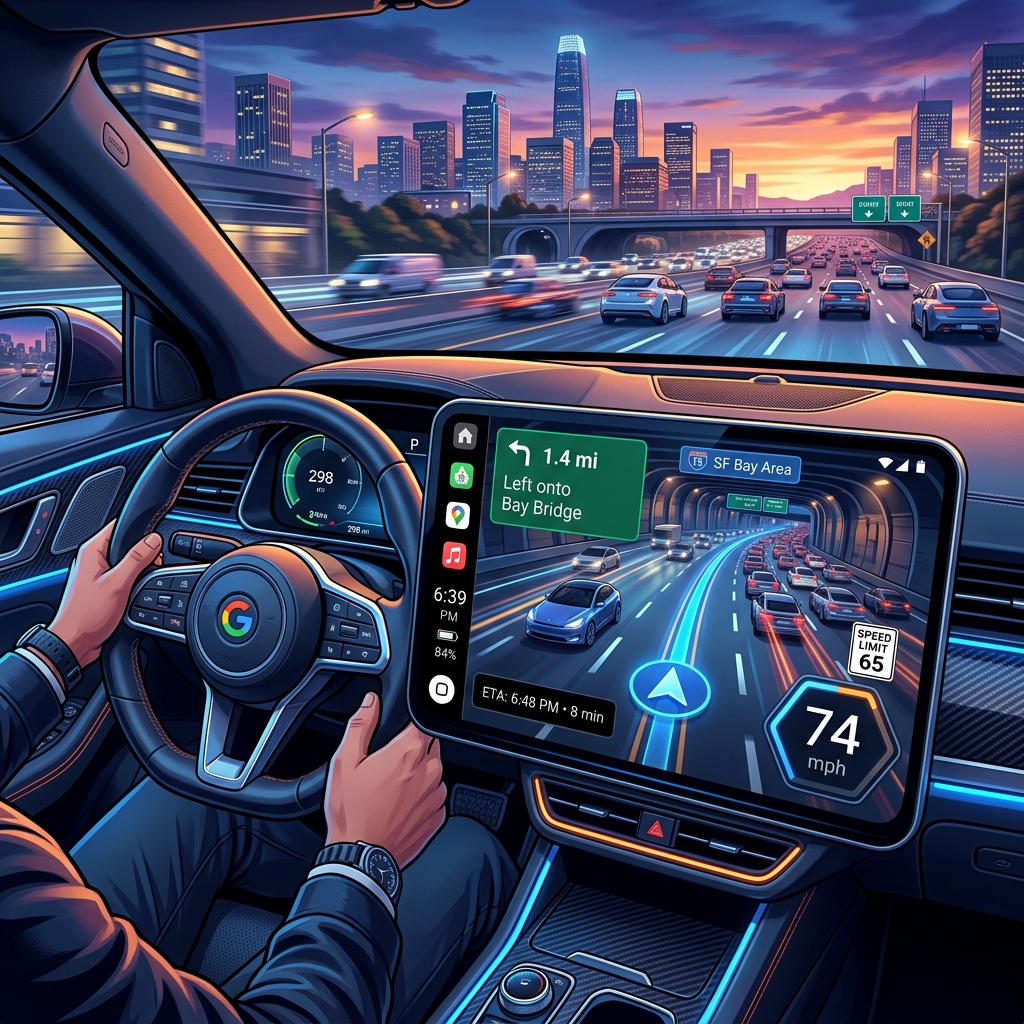
Google Maps is finally giving Android Auto users directions with a little more drama. Immersive Navigation adds a full 3-D perspective map view, while the new live speedometer puts your speed right on the navigation screen.
Immersive Navigation: Maps Gets a 3-D Makeover
Immersive Navigation makes Google Maps easier to read while driving by transforming the traditional flat 2-D map into a full-screen three-dimensional view. Buildings render in 3-D, terrain gains depth, and lane guidance becomes dramatically clearer — especially on complex highway interchanges and multi-lane exits that have frustrated Android Auto users for years.
Google unveiled Immersive Navigation earlier this year as one of the platform's biggest upgrades in years. However, the feature has been trickling out slowly via a limited server-side rollout, leaving many users without access. That appears to be changing now: reports from multiple sources confirm that devices running stable Google Maps version 11.135+ are receiving the update as of late July 2026.
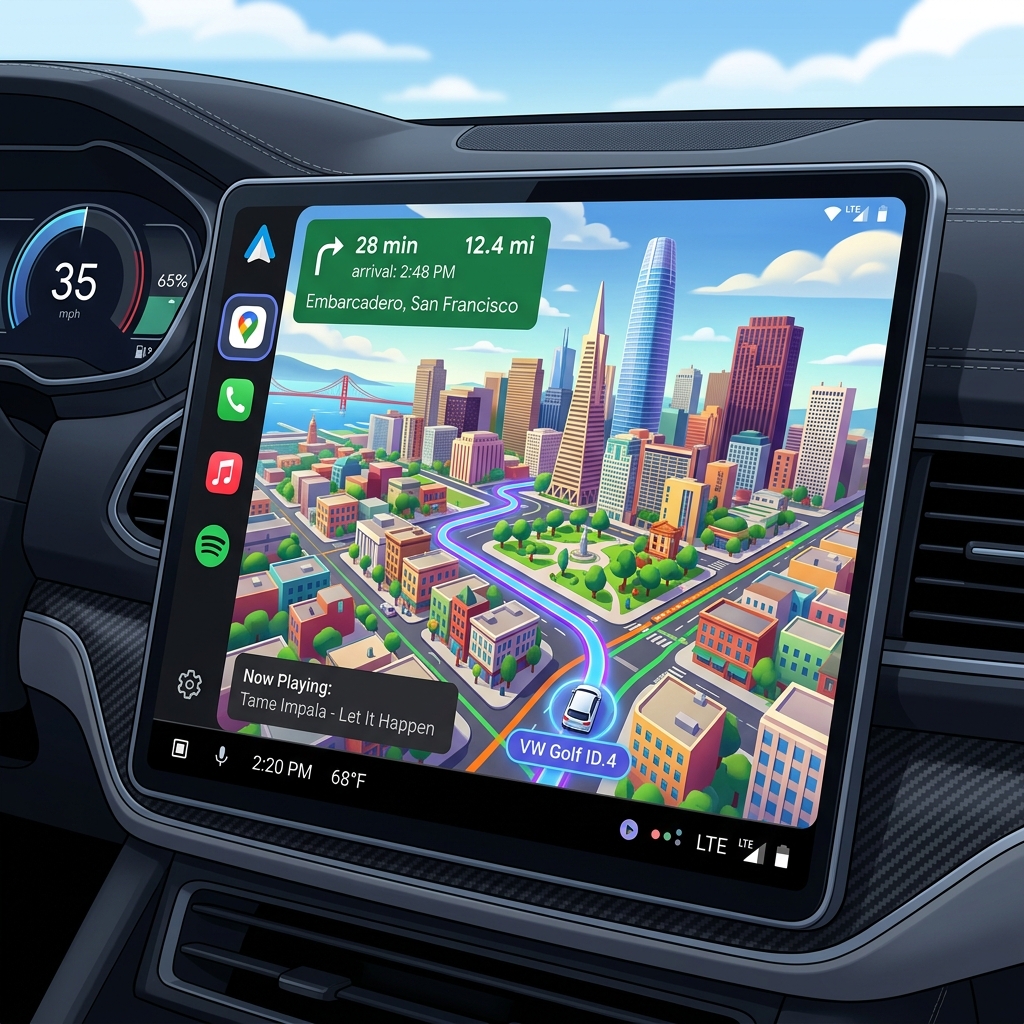
The visual upgrade is immediately noticeable. Where the old view showed a basic top-down map with route lines, Immersive Navigation renders a perspective-aware 3-D cityscape. Turn-by-turn prompts float contextually over the rendered buildings, and the camera angle tilts dynamically as you approach exits and turns. It's the kind of navigation experience that's been available on some premium OEM systems from BMW and Mercedes-Benz— but now it's free, inside Google Maps.
📋 Fact-Check Source: Immersive Navigation details confirmed via Google's official Maps blog and user reports tracked by 9to5Google.
Live Speedometer: A Useful Driving Tool
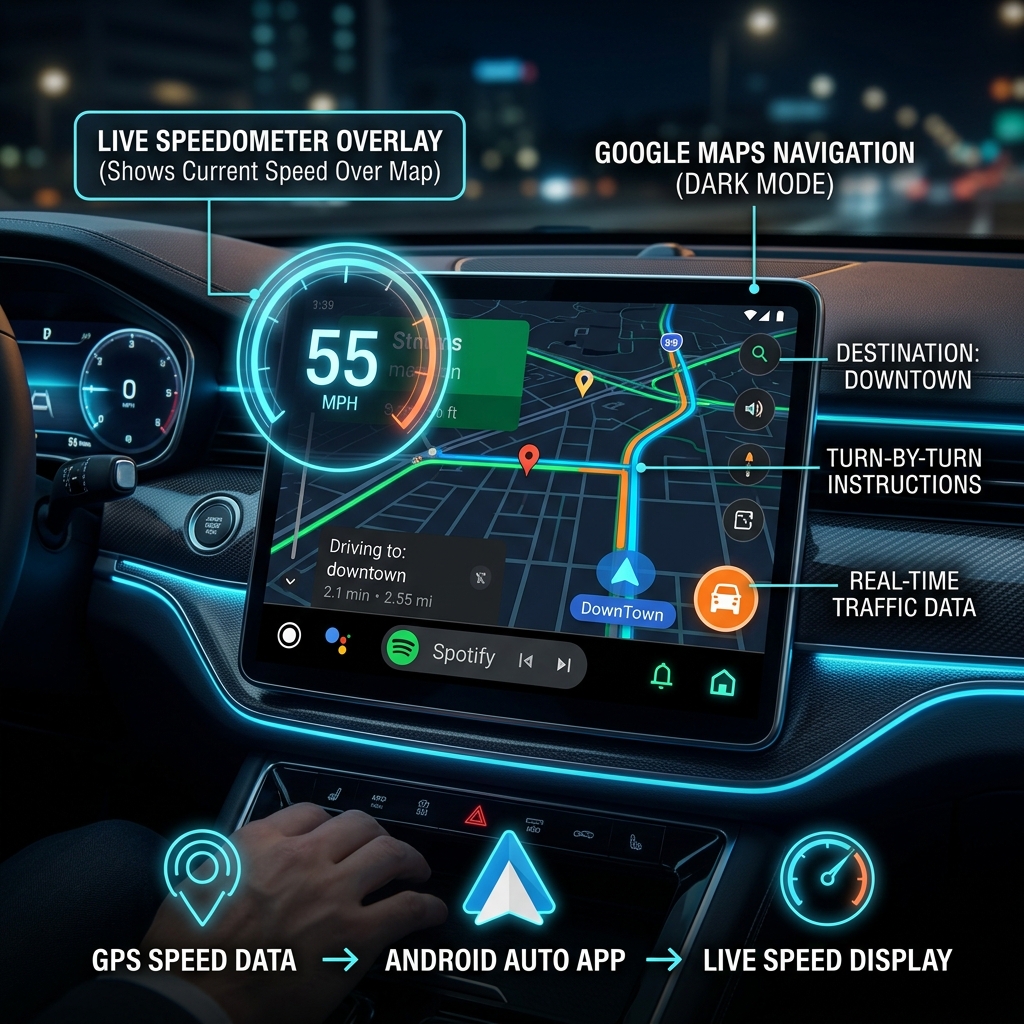
Alongside Immersive Navigation, Google is also rolling out a built-in live speedometer directly on the Android Auto navigation screen. The speedometer displays your current speed in real-time, derived from GPS data, and sits prominently on the map so you can monitor your pace without glancing at the instrument cluster.
This is a feature Android Auto users have been requesting for years. While many third-party apps offered similar overlays, having it natively integrated into Google Maps means it works seamlessly with turn-by-turn navigation, speed limit warnings, and the new 3-D map view. The speedometer dynamically changes color when you exceed the posted speed limit — turning from green to amber to red — providing an immediate visual warning.
The Rollout: From Beta to Stable
The update is part of Google's ongoing effort to modernize the Android Auto navigation experience. Both features were initially announced at Google I/O 2026 and rolled out exclusively to beta testers running the latest Google Maps preview builds. For months, users on stable versions were left waiting — a frustration amplified by the lack of any official timeline from Google.
That appears to be changing. Multiple reports from the r/AndroidAuto subreddit and tech communities suggest that both Immersive Navigation and the live speedometer are now appearing for users running stable Google Maps— not just beta builds. The rollout is server-side, meaning you don't need to manually update the app; Google flips a switch on their end and the features simply appear.
Android Auto Navigation: Before vs. After
| Feature | Before Update | After Update |
|---|---|---|
| Map View | Flat 2-D top-down | Full 3-D Immersive |
| Speedometer | Not available (3rd-party only) | Built-in with speed-limit alerts |
| Lane Guidance | Basic arrow indicators | 3-D contextual overlays |
| Building Rendering | None | 3-D buildings & terrain |
| Availability | All stable users | Server-side rollout (expanding) |
What This Means for US Drivers
For the millions of Americans who rely on Android Auto for their daily commute, these two features represent a meaningful quality-of-life improvement. Immersive Navigation reduces the cognitive load of interpreting a flat map at highway speeds, while the live speedometer eliminates the need to glance away from the road to check your speed.
The timing is also notable. With Apple recently upgrading CarPlay in iOS 27 with deeper vehicle integration, Google needed a compelling response. Immersive Navigation and the live speedometer make Android Auto feel significantly more modern — and competitive — heading into the second half of 2026.
If you're interested in how Google is expanding its AI capabilities across the ecosystem, you might also want to read our coverage of Google's AI Pro 5TB storage upgrade and the Gemini Extensions rollout, both of which tie into Google's broader platform strategy.
What We Love
- ✅ 3-D buildings and terrain make navigation intuitive
- ✅ Built-in speedometer removes need for third-party apps
- ✅ Speed limit color warnings add safety value
- ✅ Server-side rollout means no manual update needed
- ✅ Works on stable Google Maps (no beta required)
Caveats to Know
- ⚠️ Server-side rollout — not everyone gets it at once
- ⚠️ Older head units may get a simplified 3-D view
- ⚠️ Speedometer uses GPS, so ±2 mph accuracy variance
- ⚠️ Speed limit data depends on regional map coverage
- ⚠️ No official timeline for 100% global rollout
📋 Fact-Check Source: Rollout details and feature availability confirmed via Google's Android Auto support page, user-reported confirmations on r/AndroidAuto, and coverage by The Verge.
How to Check if You Have the Update
- 01Open Google Maps on your phone and tap your profile icon → Settings → About to check you're on version 11.135 or later.
- 02Connect your phone to your car's Android Auto head unit and start navigation to any destination.
- 03Look for the 3-D building rendering on the map and the speedometer in the bottom corner. If they're present, you have the update.
- 04If not, ensure Google Maps is fully updated via the Play Store and wait — the server-side rollout is still expanding.
Final Thoughts
Google Maps' Immersive Navigation and live speedometer represent the most significant visual upgrade to Android Auto since the platform's redesign in 2023. The 3-D map view genuinely improves navigation clarity, especially on complex US highway systems, and the built-in speedometer is a welcome safety addition that should have been standard years ago.
The server-side rollout model means patience is required — but if you're on a stable Google Maps build, there's a good chance you'll see these features land on your dashboard sooner rather than later. For now, it's the clearest sign yet that Google is serious about making Android Auto the definitive in-car experience for 2026 and beyond.
Frequently Asked Questions
Q: What is Immersive Navigation on Android Auto?
Immersive Navigation is a new Google Maps feature for Android Auto that replaces the traditional flat 2-D map with a full-screen 3-D perspective view. It renders buildings, terrain, and lane markings in three dimensions, making complex interchanges and highway exits significantly easier to understand at a glance.
Q: How do I enable the live speedometer on Android Auto?
The live speedometer is enabled via a server-side rollout from Google. Once your device receives the update, the speedometer appears automatically on the Google Maps navigation screen. You can toggle it in Google Maps Settings → Navigation Settings → Driving Options → Speedometer.
Q: Do I need the Google Maps beta to get these features?
No. While both features were initially limited to beta testers, reports from July 2026 confirm that the stable release of Google Maps (version 11.135+) is now receiving Immersive Navigation and the live speedometer through a server-side rollout.
Q: Does Immersive Navigation work on all Android Auto head units?
Immersive Navigation requires a compatible Android Auto head unit with hardware-accelerated rendering. Most aftermarket and OEM units from 2022 onward support it. Older wired-only units may display a simplified version of the 3-D view.
Q: Is the speedometer accurate?
The live speedometer pulls GPS-derived speed data, which is typically accurate within ±2 mph. It is not a replacement for your vehicle's instrument cluster speedometer but serves as a convenient supplementary display directly on the navigation map.