I Found a Gemini Feature So Good, I Deleted a Bunch of Apps
Google's chatbot has quietly evolved. By turning on Gemini Extensions, I managed to consolidate my workflow, plan complex trips natively, and permanently purge half a dozen standalone productivity apps from my phone.

We often talk about the promise of an "everything app." Without much fanfare, Google Gemini has slowly turned into exactly that—just by letting it talk to the apps you already use.
For a long time, AI chatbots felt like disconnected novelties. You would open them to brainstorm an idea or ask a trivia question, and then you would leave. But something shifted when I started fully utilizing Gemini Extensions (sometimes referred to as Gemini Apps). By allowing Gemini to deeply integrate with my Google Workspace, Maps, Flights, and Hotels, it stopped being a trivia machine and became a centralized hub for getting things done.
The result? My home screen is significantly lighter today. The friction of bouncing between half a dozen solitary applications is gone, replaced by a single, powerful conversational interface.
The Great App Purge
Smartphones have trained us to compartmentalize our digital lives. Need to check grammar? Open an editing app. Want to find a hotel near your upcoming meeting? Open Maps, then a travel aggregator, then cross-reference your Calendar.
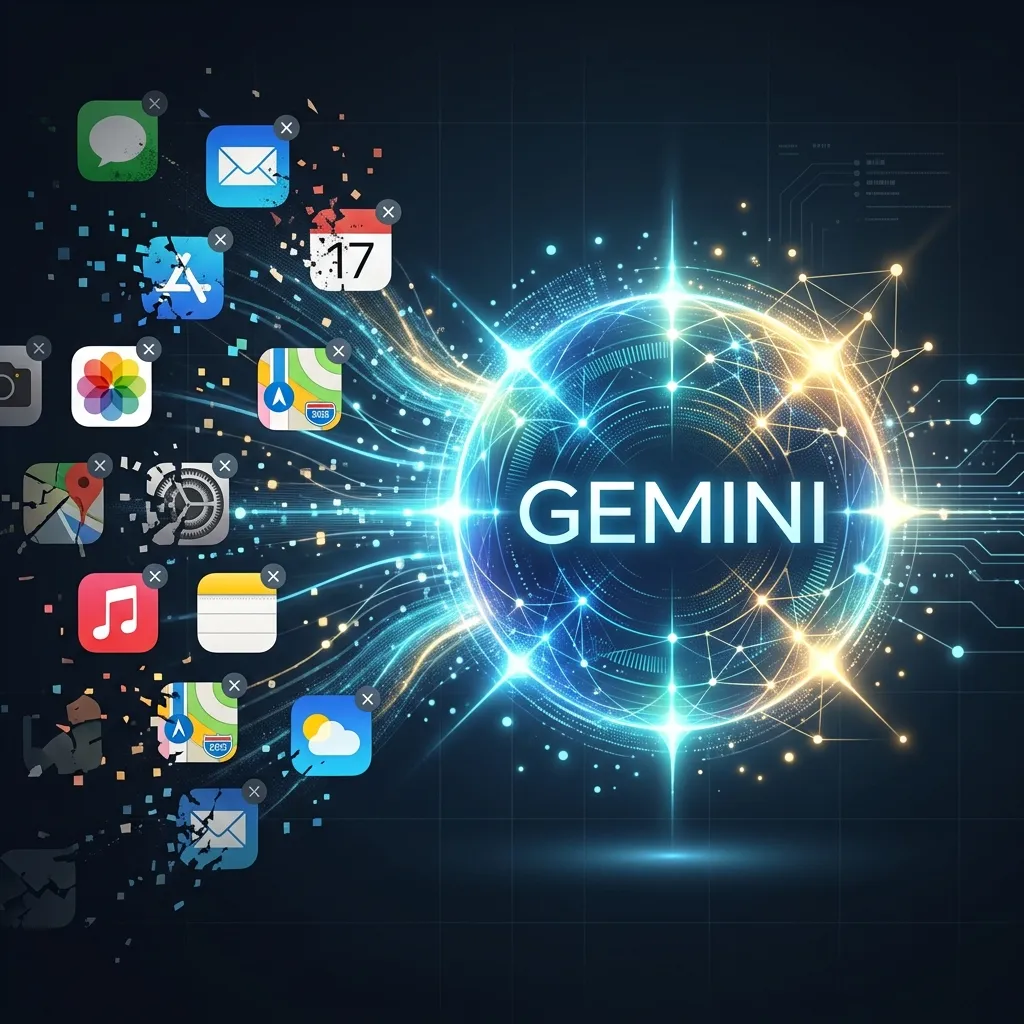
Gemini flips this paradigm. By flipping a few toggles in the Extensions menu, I was able to delete several apps that I had relied on for years:
Standalone Grammar Tools
I used to rely heavily on dedicated apps and keyboard add-ons to fix my writing. Now, I just ask Gemini to "make this draft more professional" or "fix my typos," and with direct access to Docs and Gmail, the workflow is seamless.
Travel Planners & Aggregators
Instead of swiping between Skyscanner, Booking.com, and Google Maps, I can prompt Gemini: "Find me a flight to Tokyo under $800 next month, and suggest a highly-rated hotel near the train station." It pulls real-time, actionable data instantly.
Workspace Integration: The Real Magic
The most powerful tool in the Gemini arsenal is the Google Workspace Integration. By granting Gemini access to Gmail, Google Drive, and Docs, the chatbot gains essential context about your life and work.
This moves the AI away from generic knowledge and deeply into personal utility. You can ask queries that previously would have taken twenty minutes of manual searching:
- 💬 Prompt 1:"Summarize the recent emails from my landlord regarding the lease renewal, and draft a polite response asking for a one-week extension on the decision."
- 💬 Prompt 2:"Look at the Q3 Marketing Deck in my Drive. Extract the three main goals and turn them into an introductory email to the team."
Because Gemini is looking directly at my actual documents, the hallucinations are nearly non-existent in this context. It's reading the files I point it toward and taking action. If you're comparing this to its competitors like Claude 4.6 or standard ChatGPT, this deep native integration into an existing ecosystem is Google's true ace-in-the-hole.

Should You Be Worried About Privacy?
Handing over the keys to your inbox and personal drive to an AI naturally raises security alarms. It's the friction point that holds many users back.
However, Google has structured the Workspace extension with strict privacy boundaries: they explicitly declare that your personal content from Workspace is not reviewed by human reviewers, and it is not used to train the public Gemini models. It operates securely within your localized account parameters. For those deeply concerned with security, running local offline LLMs is always an alternative, but you simply won't get this level of interconnected convenience.
The Bottom Line
We are moving past the era where every digital task requires a dedicated, isolated app. By acting as an intelligent routing layer over the most popular services on the web, Gemini Extensions highlight what an AI assistant should actually be: a unified layer over your digital life. Do yourself a favor, flip the toggle in your settings, and start clearing up that home screen.
💡Frequently Asked Questions
What are Gemini Extensions?
Gemini Extensions (formerly called Gemini Apps) allow Google's AI assistant to connect directly with your other Google services, such as Gmail, Google Drive, Google Maps, Calendar, Google Flights, and Google Hotels. This enables Gemini to pull real-time data and perform complex cross-app tasks.
How do I turn on Gemini Extensions?
Open the Gemini app or website, go to Settings, and select 'Extensions'. From there, you can toggle integrations for Google Workspace, Maps, YouTube, Flights, and more. Some features require you to be signed in to your Google Account.
Which apps can Gemini effectively replace?
By consolidating functionality, Gemini can replace dedicated proofreading/grammar apps, separate translation tools, specific trip planner apps, and standalone note-jotting apps. It acts as a unified central assistant.
Can Gemini read my personal emails and Google Drive files?
Yes, if you grant the Workspace extension permission, Gemini can read, summarize, and draft content based on your personal emails and documents. Google states this data is not used to train their public models.
Is this feature available on both Android and iOS?
Yes, you can access Gemini Extensions on the Gemini app for Android, via the Google App on iOS, and through the web browser interface.
Continue Reading

SpaceXAI Launches Grok 4.5: Benchmarks, 4.2x Token Efficiency, and Pricing
SpaceXAI has officially launched Grok 4.5, optimized for complex reasoning, coding, and agentic tasks. Here is a full fact-checked breakdown of the benchmarks, pricing, and Cursor integrations.

Why Quantum Computing May Be the White House's Next AI — Trump's EO 14413 Explained
President Trump signed Executive Order 14413 on June 22, 2026, betting America's tech future on quantum computing. A full fact-checked breakdown of qubits vs. bits, why China holds 60% of global patents, what IBM's roadmap says about 2029, the Bitcoin threat, and whether this is real science or the next AI hype cycle.

AWS Invests $1 Billion in Forward Deployed Engineering Unit to Embed AI Engineers With Customers
Amazon Web Services launches a $1 billion Forward Deployed Engineering (FDE) division — seeding thousands of engineers directly inside customer businesses alongside AI agents. Full fact-checked breakdown of the '45-45-45' framework, early adopters like NBA & NFL, and how AWS competes with OpenAI and Anthropic's own FDE companies.