Apple's iOS 26.4.1 Silently Enables Stolen Device Protection
The latest iPhone software update arrived earlier this month with minimal fanfare. However, beyond routine bug fixes, iOS 26.4.1 is pushing a major security feature to users by default.
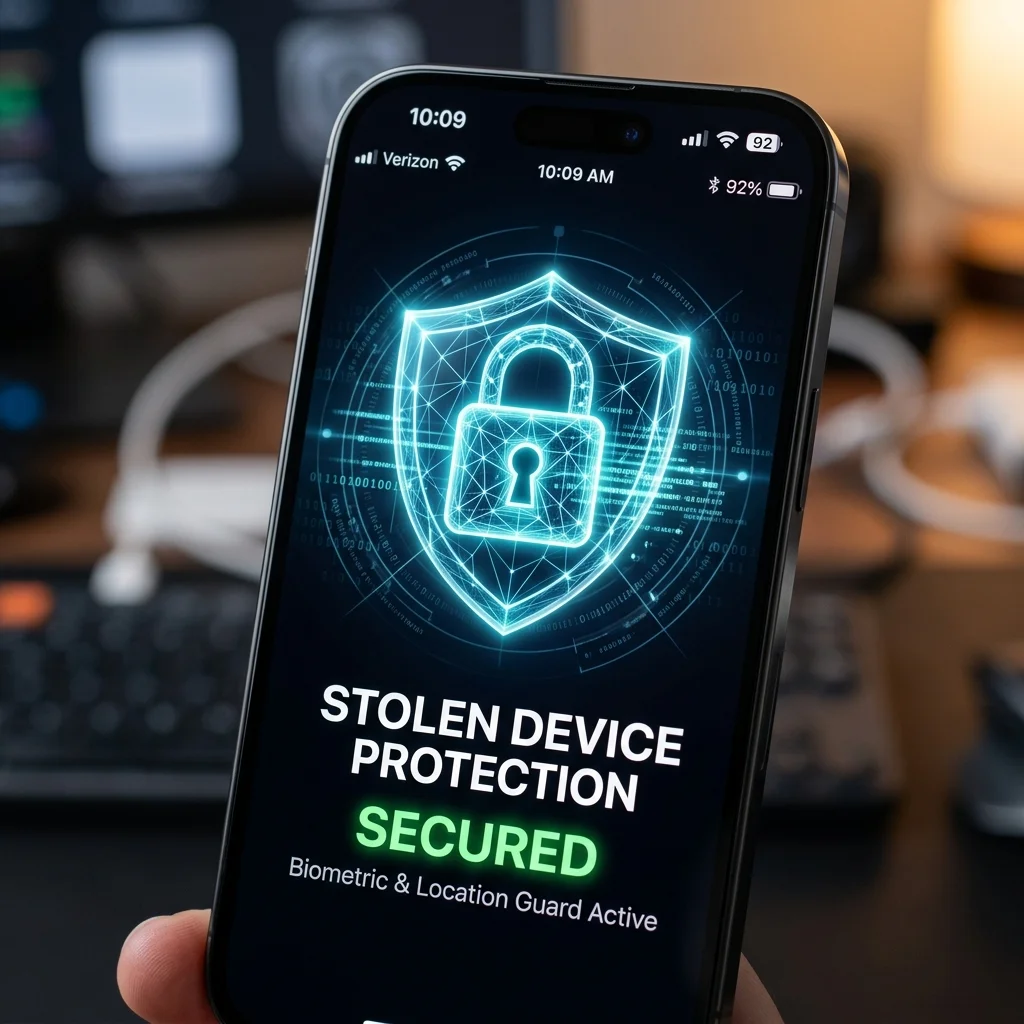
"This update provides bug fixes for your iPhone." — Apple Release Notes
Apple released iOS 26.4.1 on April 8, roughly two weeks after pushing out the feature-packed iOS 26.4. While the prior update introduced new emojis, advanced video podcast integration, and major UI refinements, this latest point release is noticeably smaller.
At first glance, Apple's sparse release notes simply state the update is focused on bug fixes. However, a deeper dive into Apple's latest support documentation reveals a significant proactive security measure: the update will automatically enable Stolen Device Protection on iPhones that did not already have the feature turned on.
What is Stolen Device Protection?
Introduced in earlier iOS versions, Stolen Device Protection is a crucial fail-safe against a specific, terrifying attack vector where thieves spy on users typing in their PIN codes before stealing the physical device.
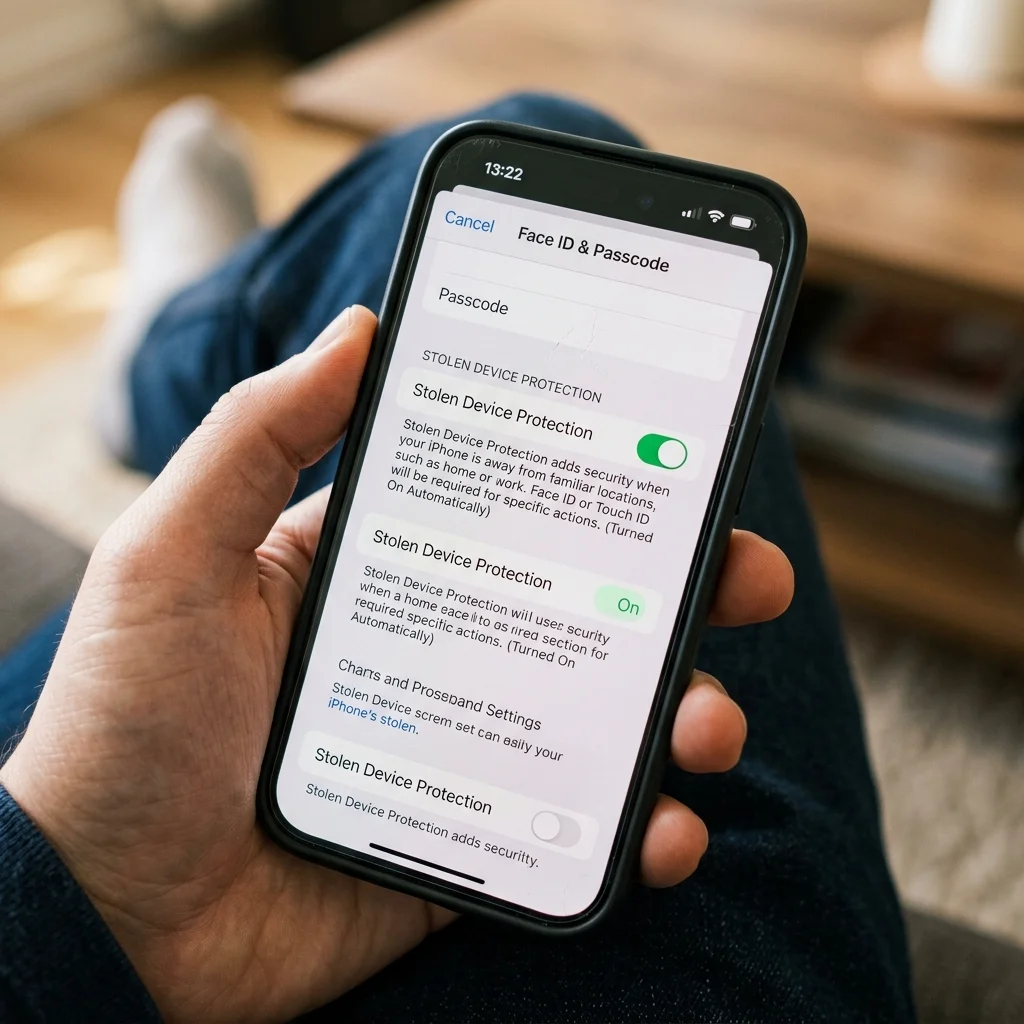
"Stolen Device Protection adds a layer of security when your iPhone is away from familiar locations, such as home or work, and helps protect your accounts and personal information in case your iPhone is ever stolen," Apple wrote online.
- 🔒 Biometric Delay: Requires Face ID for changing Apple ID passwords.
- 📍 Location Aware: Disabled automatically when at "Familiar Locations."
- 🚫 No Passcode Fallback: A thief cannot bypass Face ID with just your PIN.
Protecting Your Digital Identity in the Real World
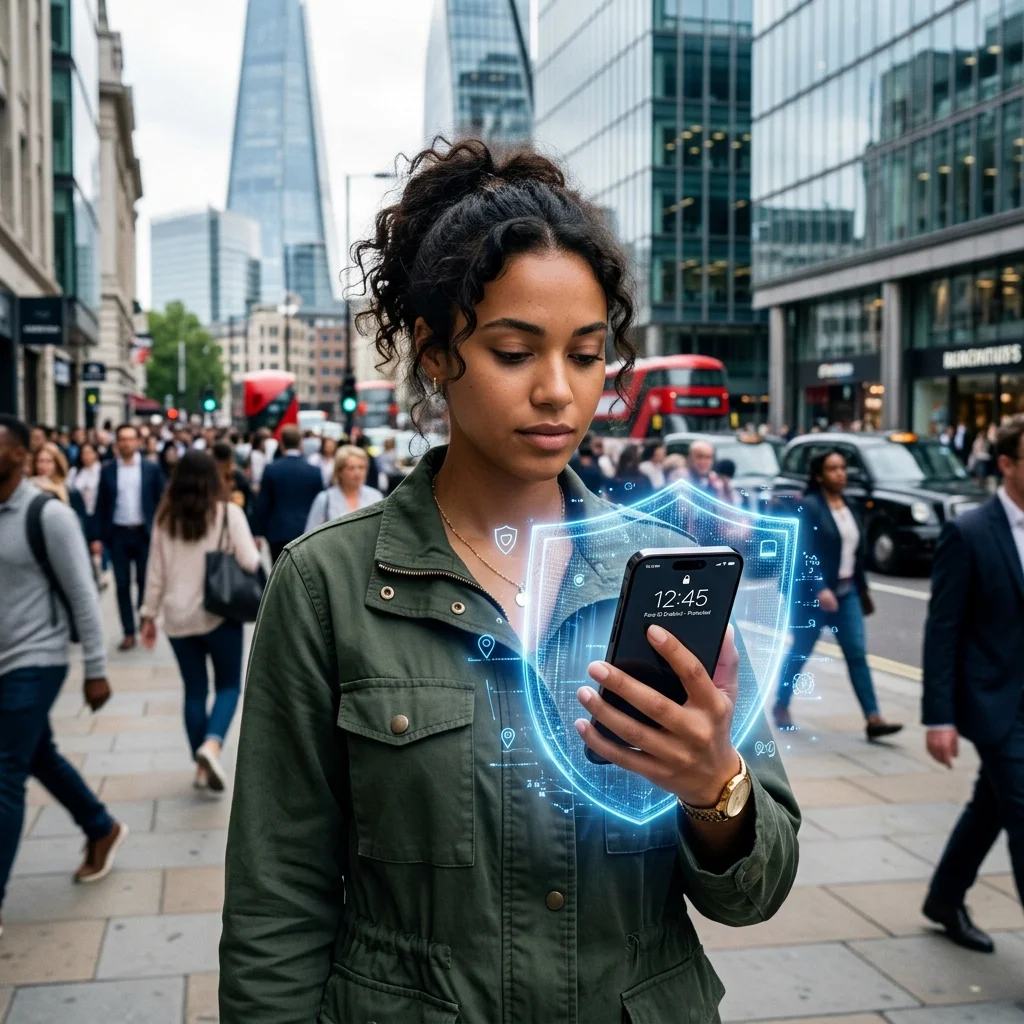
With our smartphones acting as the primary hub for banking, two-factor authentication, and personal communications, a stolen unlocked iPhone can be devastating. By making Stolen Device Protection the default in iOS 26.4.1, Apple is closing the window on shoulder-surfing attacks in public spaces like subways and bars.
Interestingly, Apple usually publishes Common Vulnerabilities and Exposures (CVE) entries alongside updates that include security patches. However, Apple didn't publish any such notes for iOS 26.4.1. This isn't entirely uncommon—the company similarly withheld CVE entries for the iOS 26.3.1 update earlier this year.
How to Get the Update
1. Navigate to Settings
Unlock your iPhone and open the Settings app. Scroll down and tap on the General tab to proceed.
2. Download & Install
Tap Software Update. If your device hasn't updated automatically overnight, tap Update Now and follow the prompts on your screen.
Why You Should Update Immediately
Even if you already have Stolen Device Protection enabled on your iPhone, you should still download the update to ensure your device has the most up-to-date under-the-hood fixes. Ensuring your device runs smoothly protects you from broader zero-day vulnerabilities.
For more Apple ecosystem news, make sure you check out the latest iPhone 18 Pro Nano Island Leaks and our full collection of iOS 26 tips and tricks.
🛡️Frequently Asked Questions
What does iOS 26.4.1 do?
While Apple's release notes primarily mention 'bug fixes,' the iOS 26.4.1 update silently enables Stolen Device Protection by default on supported iPhones to safeguard your accounts if your device is stolen.
What is Stolen Device Protection on iPhone?
Stolen Device Protection adds an extra layer of security when your iPhone is away from familiar locations (like your home or workplace). It requires Face ID or Touch ID biometric authentication—with no passcode fallback—to access saved passwords, erase the device, or turn off Lost Mode.
How do I download iOS 26.4.1?
To download the update, go to Settings > General > Software Update. Tap 'Update Now' and follow the on-screen prompts to install iOS 26.4.1 on your device.
Are there any CVE security patches in iOS 26.4.1?
Apple has not published any Common Vulnerabilities and Exposures (CVE) entries for this specific update, which is a pattern similar to the previous iOS 26.3.1 release. The main focus remains on operational bug fixes and enabling Stolen Device Protection.
Continue Reading
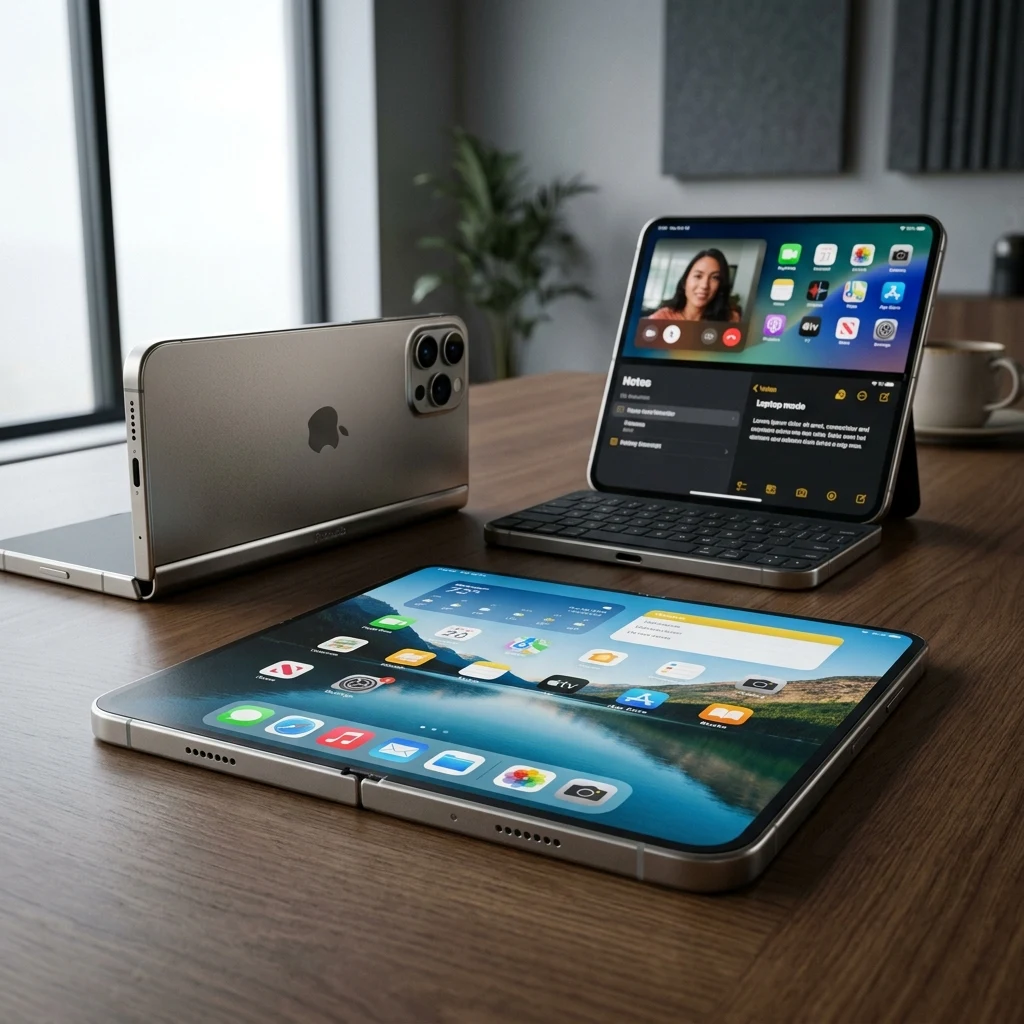
Apple Exec Says 'Hold Us Accountable' on iPhone Duo Crease: The Science of Matte Nano-Texture & Torque
Apple hardware VP Tom Marieb tells TechRadar to 'hold us accountable' on the iPhone Duo crease. Here is how matte nano-texture glass, automotive torque engineering, and Ceramic Shield 2 aim to solve foldables' biggest flaw.
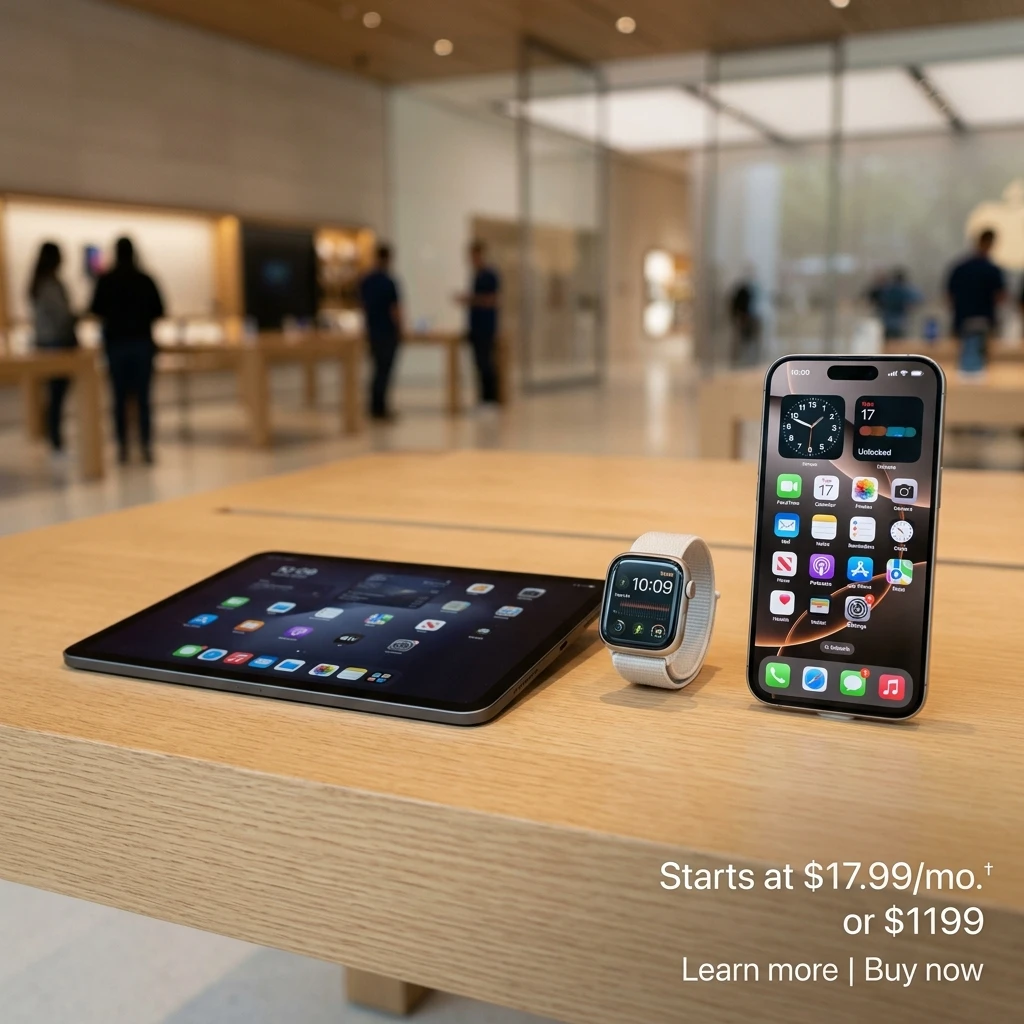
Apple & Klarna Launch 'Apple Upgrade': Lease an iPhone from $17.99/Mo — Fact-Checked Breakdown
Apple partners with Klarna to launch 'Apple Upgrade', allowing US customers to lease iPhones starting at $17.99/mo, plus Macs, iPads, and Apple Watches. Full fact-checked analysis of pricing, credit checks, replacement cycles, and carrier competition.

Canon EOS R6 V Review: A Pro Vlogging Camera at a Mirrorless Price — Fact-Checked Breakdown
Canon's EOS R6 V packs a 33MP full-frame sensor, 7K 12-bit RAW open-gate video, active fan cooling, and 7.5-stop IBIS into a $2,500 mirrorless body. Full fact-checked review and competition analysis.